Enhance Your Xamarin.Forms Apps with Telerik Charts!

Β 

You can have your cake and eat it too – that’s the promise ofΒ Xamarin.Forms by letting you write C# towards making native cross-platform mobile apps. All the while, you can stay in your favorite code editor, reuse libraries and share code (business logic + UI) between apps for iOS, Android and Windows.

If you are displaying data in your cross-platform Xamarin.Forms app, you can improve your app with some awesome charts using Telerik UI for Xamarin. Telerik charts give you everything you expect out-of-the-box – a huge variety of modern charts, superb performance, mobile-specific rendering, easy data bindings and full touch interactivity. This article walks you through how to combine Xamarin.Forms and Telerik Charts to make great cross-platform mobile apps. Let’s jump in.

Read the whole article HERE.
Kendo UI MVC Scaffolding Vs. Unrealistic Deadlines

You have deadlines and deliverables. Your boss does not understand the intricate complexities of the ASP.NET MVC web application you are building. You get asked for a quick display of a custom data on web pages, and heck, they even want data editing options. And all this should be done by the end of the day Friday!

You have always loved Kendo UI-powered UI web widgets, but you know it takes time to build the bridge between your custom data objects and actually displaying it via the MVC controllers. Supporting CRUD (Create, Read, Update, Delete) operations on the data all the way back to your repositories is a whole other issue.

Relax. Allow Telerik UI for ASP.NET MVC to help. With the new developer-friendly MVC scaffolding, it is drop-dead easy to hook up your custom data to MVC UI controls and even support CRUD operations out of the box. Yes, you can deliver by Friday and get out to enjoy summer this next weekend. Let this article show you how!

Read the whole article on TDN over HERE.

Adios!

Create a Microsoft Band App with Web Tiles!

Β 

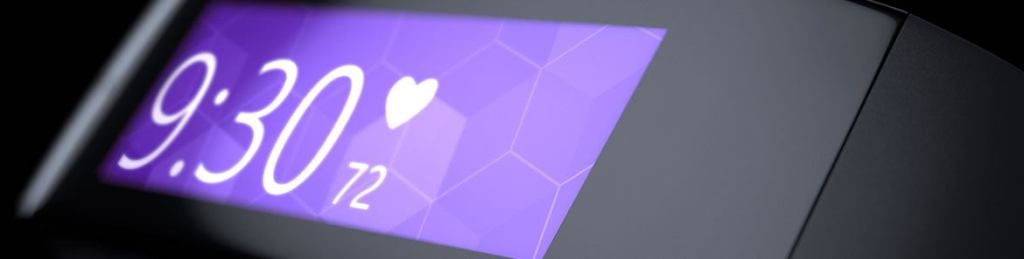
Wearables are awesome and they are everywhere. Wearables are unique, fashionable, productive and always connected, helping us live a digitized lifestyle. But wearables can also be disruptive in the Mobile space. While developers are still grappling to go cross-platform with native or hybrid mobile apps, out come wearables from Apple, Microsoft and Google – each catering to their respective platform and each with its own development paradigm, in addition to unique UX guidelines.

If you are a fan of the Microsoft Band however, there is some reason to rejoice. Not only is the Band one of the few wearables that work cross-platform with any phone you own, it is also surprisingly easy to add custom data to your wrist as a Band application. All you need is a standard data endpoint and a little web skills if you want to get fancy. This article walks you through how to add web data to your Band through Web Tiles.

Read the whole article on TDN over HERE.

Adios!