

I was amongst the thousands who spent much of last week at MSFT’s BUILD conference, this time in sunny San Francisco. Here’s what stood out for me:
- A developer conference of the size of BUILD takes a lot of logistics planning. Microsoft, along with the 3rd party event management company that you see at all MSFT events now, pulled it off successfully. The event, organization, meals, attendee party, buses, registration etc. all seemed to go without any major glitches. Kudos.
- BUILD keynotes did not disappoint. Executives including Ballmer, Nadella, Guthrie and other keynote speakers seemed to exude in instilling developer enthusiasm in the MSFT ecosystem. Windows 8.1 & several major announcements were made during the keynotes. Some were disappointed with lack of Windows Phone or XBoxOne news; but there are a whole lot of factors & product life cycle stages that contribute towards what’s being shared. I felt MSFT shared what they could and enticed developers with the opportunities that the ecosystem offers now.
- As for the giveaways, surely the MSFT Surface Pro with Type cover and the new 8″ Acer Iconia W3 should have impressed attendees. Other goodies included 100 GB of SkyDrive storage (although it expires in a year) and an Office 365 license, along with gift cards towards the Windows Phone store. The Surface Pro is a great machine with near perfect balance of portability & productivity. I can also see the lure of the newer breed of 8″ or smaller tablets running Windows 8. The form factor lends itself wonderfully to reading books or consuming media content, but it would be another device to carry around. Sticking happily to my Surface RT for now ..
- One of my biggest takeaways from any such big conference is the networking with peers; off course BUILD did not disappoint. Last minute hotel reservation meant that I was stuck in a shady San Francisco neighborhood; but that did not matter much given most of the time was spent with some very smart folks. From hanging out with my homies at the Telerik booth to friends like Brian Lagunas, Micheal Collier, Brent Schooley, Iris Classon, Matt Hidinger, Jeff Blankenburg, James Bender, Phil Japikse, Steve Bohlen & others., it was good times indeed. The Xamarin & DeepFriedBytes parties were awesome – thank you!
Between spending time at the super busy Telerik booth and offline conversations, I tried attending as many BUILD sessions as I could. There were some great ones, and ones were speakers struggled with technicalities; but that is normal at any conference and specially when showing off Preview software. If you were not at BUILD or missed sessions, almost all of them are now online @ http://channel9.msdn.com/Events/Build/2013.
Not surprisingly, lot of sessions focused on new APIs in Windows 8.1 for Store Apps and Azure Mobile Services integration. Amongst the new APIs or features, ones that really piqued my interest were the new native HTTP Client with caching/filtering/OAuth support, Pre-fetch data support for Windows 8.1 apps, POS support with Barcode/magnetic strip credit card reader, people/contacts integration, 3D printing support, Mobile Service integration wizards etc. Here are some of my top sessions picks; highly recommend watching, if you need to catch up:
- What’s new in WinRT – http://channel9.msdn.com/Events/Build/2013/2-075
- What’s new in XAML – http://channel9.msdn.com/Events/Build/2013/2-164
- What’s new in ASP.NET – http://channel9.msdn.com/Events/Build/2013/2-546
- Windows Store – http://channel9.msdn.com/Events/Build/2013/2-123
- HTTPClient API – http://channel9.msdn.com/Events/Build/2013/4-092
- Mobile Service soup to nuts – http://channel9.msdn.com/Events/Build/2013/2-542
- Apps for any screen size – http://channel9.msdn.com/Events/Build/2013/2-150
- XAML Performance – http://channel9.msdn.com/Events/Build/2013/3-157
- Push Notifications – http://channel9.msdn.com/Events/Build/2013/3-515
Windows 8.1:
Off course BUILD kicked off the Windows 8.1 Preview and the update was made available for immediate download. The actual polished update would come later in the year through the Windows Store and it looks rather promising. You can get the preview now @ http://preview.windows.com.
Now, Windows 8.1 Preview is plenty solid and you do not risk your PC crashing all over the place. However, it is still very much a Preview and lacks polish, along with being jittery on several fronts. So, evaluate the risks before putting this on your dev machine. As far as I understand, if running Windows RT like on a Surface RT device, you cannot go back to Windows 8, but eventually can move forward once 8.1 becomes ready for GA. If running Windows 8 Pro, you are more likely to have to begin with a clean slate once Windows 8.1 gets ready to ship. So again, weigh your options as to where you want to install Windows 8.1; you pay a little price, but it’s worth it to have a taste of the new features and definitely as a developer if you need to consume the new APIs.
As for me, I put on Windows 8.1 Preview on my Surface RT the very first evening and not repenting it. But please make sure to create a recovery USB stick if you feel you might need to go back to how your Surface was with Windows 8 RT. Here’s the good & bad:
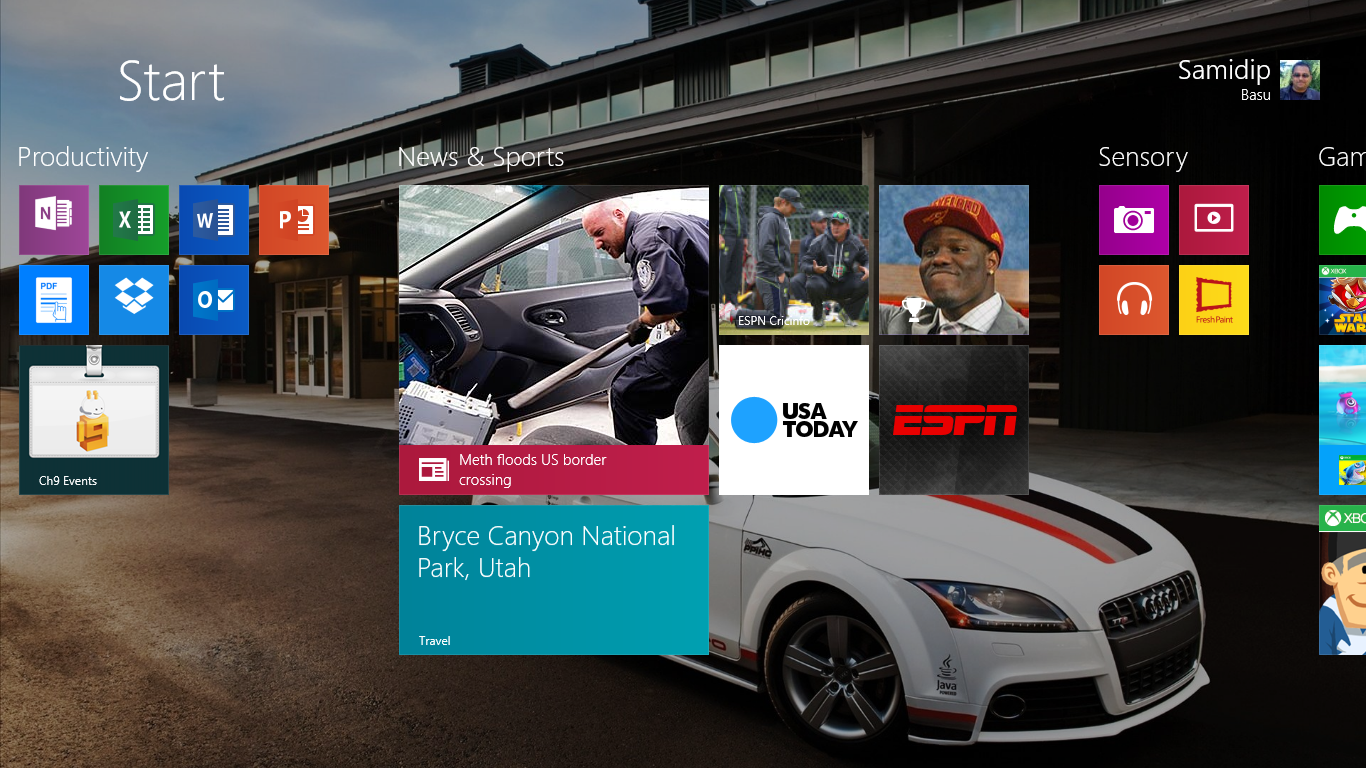
- It’s the little things, but I love having the Desktop wallpaper as a background on my Start screen. Yes, the Start button is back on the desktop and it overlays the tiles on top of your desktop background, leading to a slightly less jarring difference between the desktop & touch world.
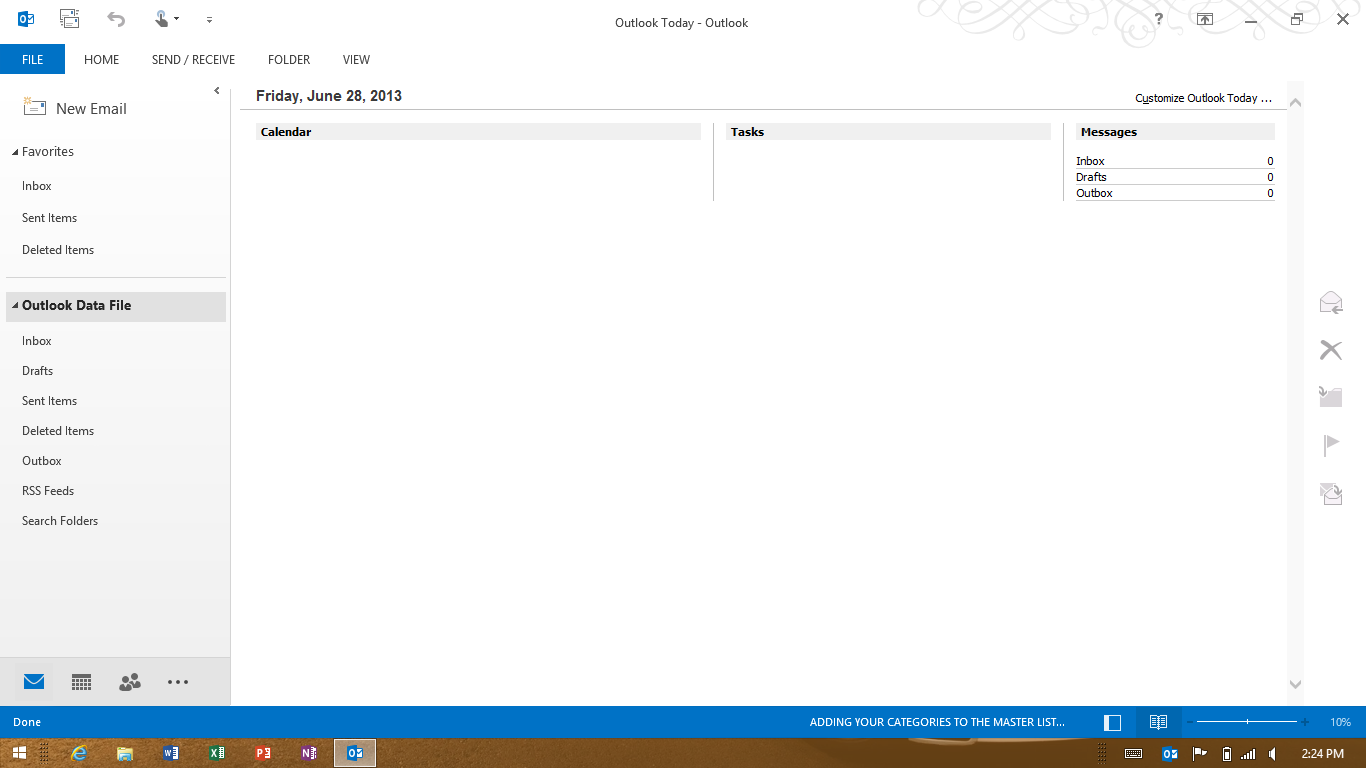
- If you had not noticed this yet, Windows 8.1 Preview ships with a preview version of Outlook 2013. Granted the Windows Mail app is being heavily redesigned, Outlook will serve your needs of having enterprise & other emails in one application in the desktop world; makes the Surface RT more friendly for work stuff.
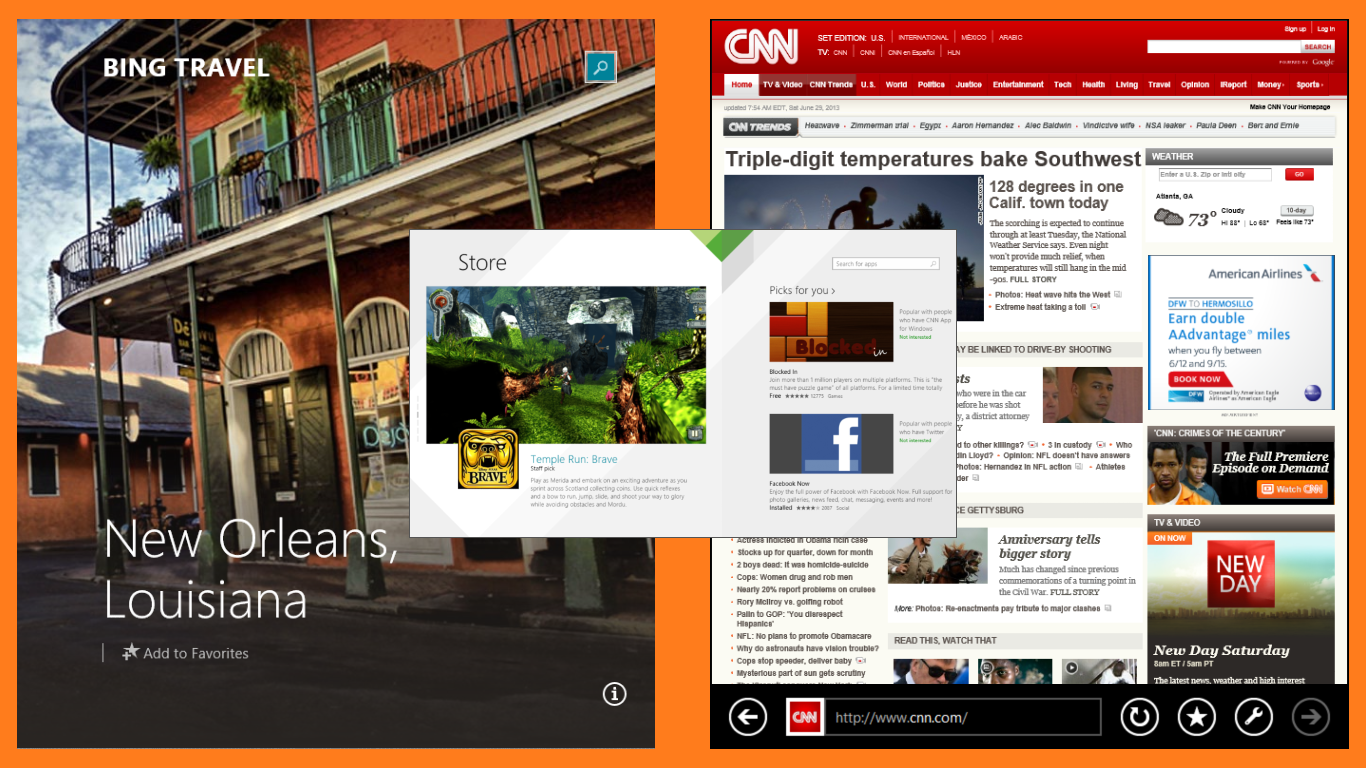
- Now, you must have heard about the windowing support for the new Windows 8.1 apps. The fact that you can be on the Mail app and have several IE windows open up side by side as you tap on links is pretty cool, specially on high DPI/resolution monitors. The magic number is 500px for window width; the Windows engineers told me that they had labored a lot to come to this number. So, this means that the old Windows 8 apps being in Full, Filled & Snapped modes is gone; instead apps can go from 500 px till as wide as needed and the developer gets to control the experience if desired. On lower resolution screens like that of the Surface RT, you will most likely see two/three windows side by side; but it is handy.
- One after-effect of the window re-sizing is prioritization. Envision this: you have two apps running side by side in Windows 8 in a 80-20 split. The app having the wider screen real estate kinda has priority; so as you swipe from left and bring in another app, it slides into the 80% area. Now, with the new windowing support, there is no clear priority between windows and as a result, new apps trying to get to focus kind of hover on top of existing apps, waiting for the user to snap it in place. Kind of hit or miss in my opinion, but what else could they have done?
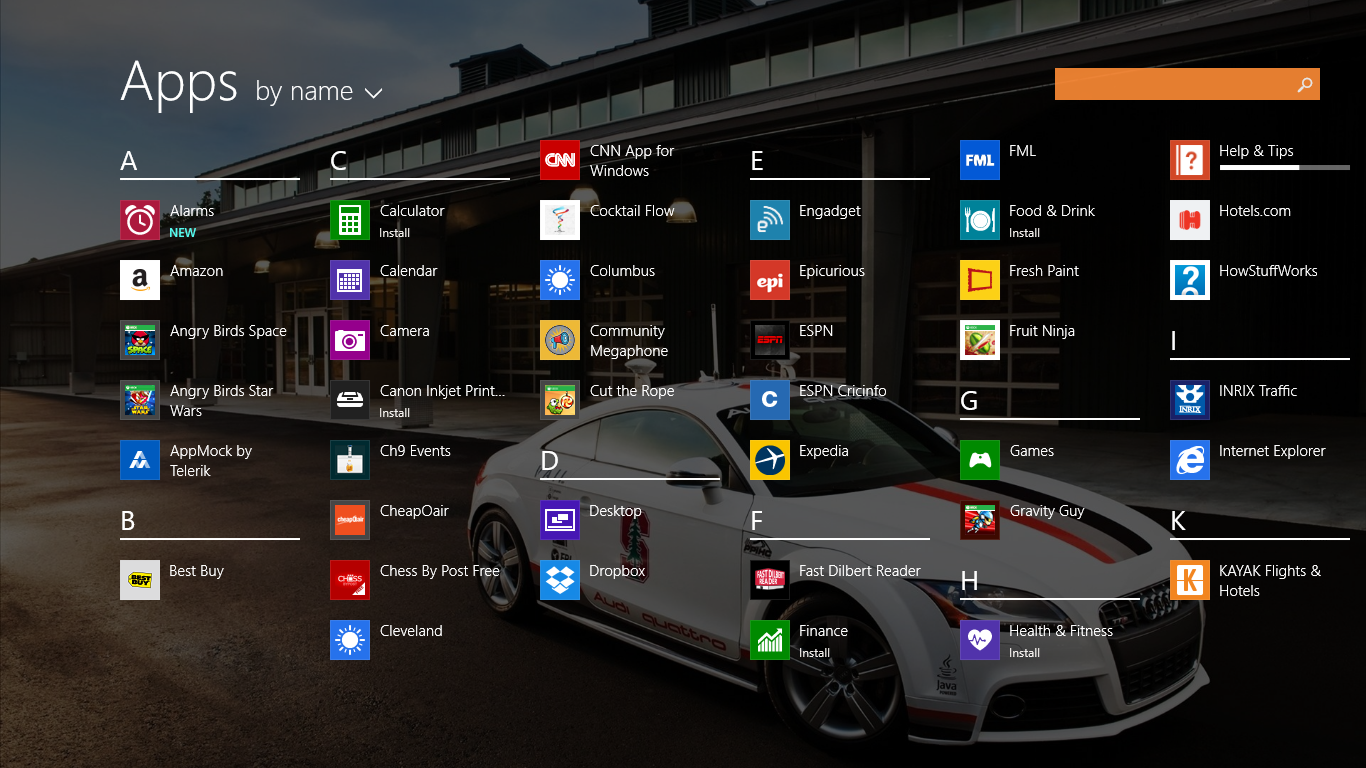
- One of the best noted Windows 8.1 features is the All-Apps list. Swipe up from the Start screen and voila, you have the list of All Apps. Newly installed apps do no longer clutter your start screen; instead they silently show up in this list. There is a handy sorting mechanism in All Apps list; set it to show the newly installed apps first and you will always know where to find apps in the order in which you installed.
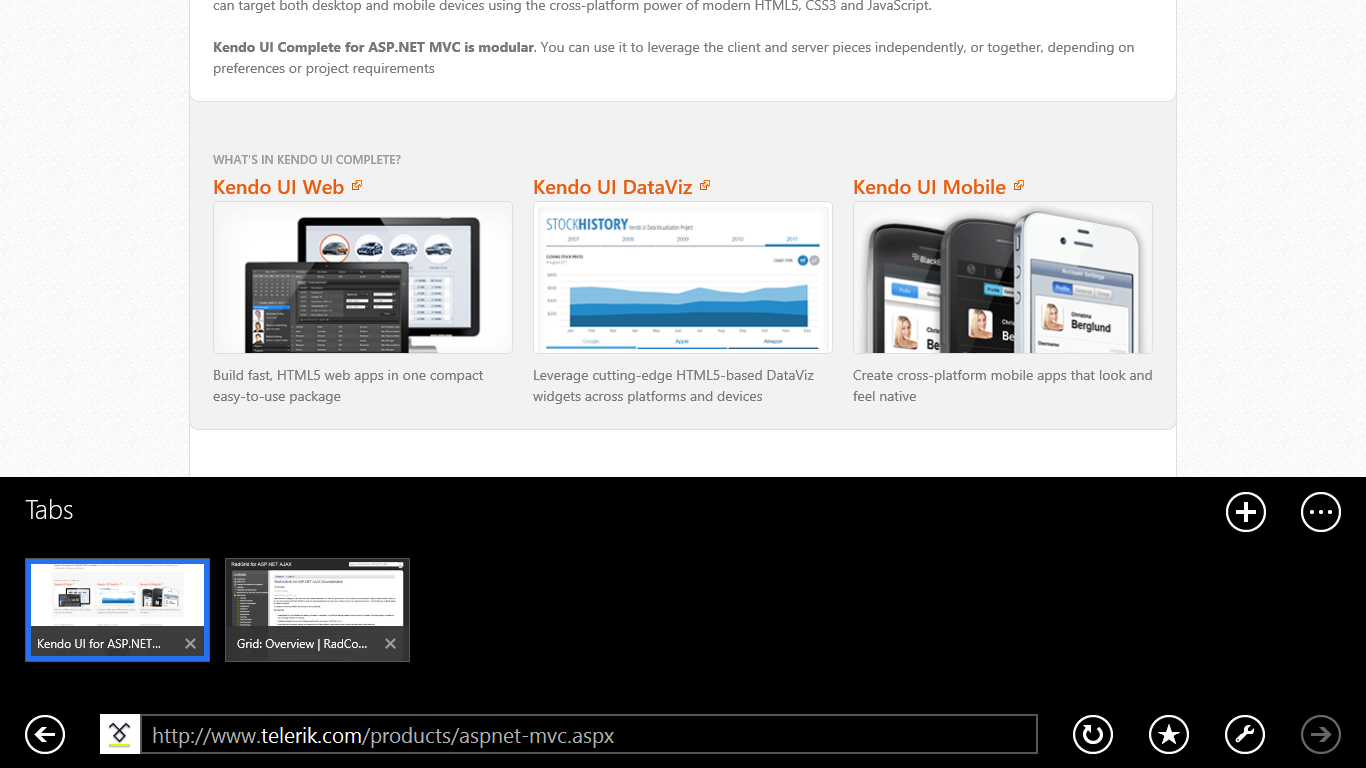
- Other cool features of Windows 8.1 include the deferred Reading List available through the Share charm, Bing integration, hands-free mode inside apps, IE 11 with tabs at the bottom and baby/super large tile sizes. The last really contributes towards better organization of your Start screen as per your priorities.
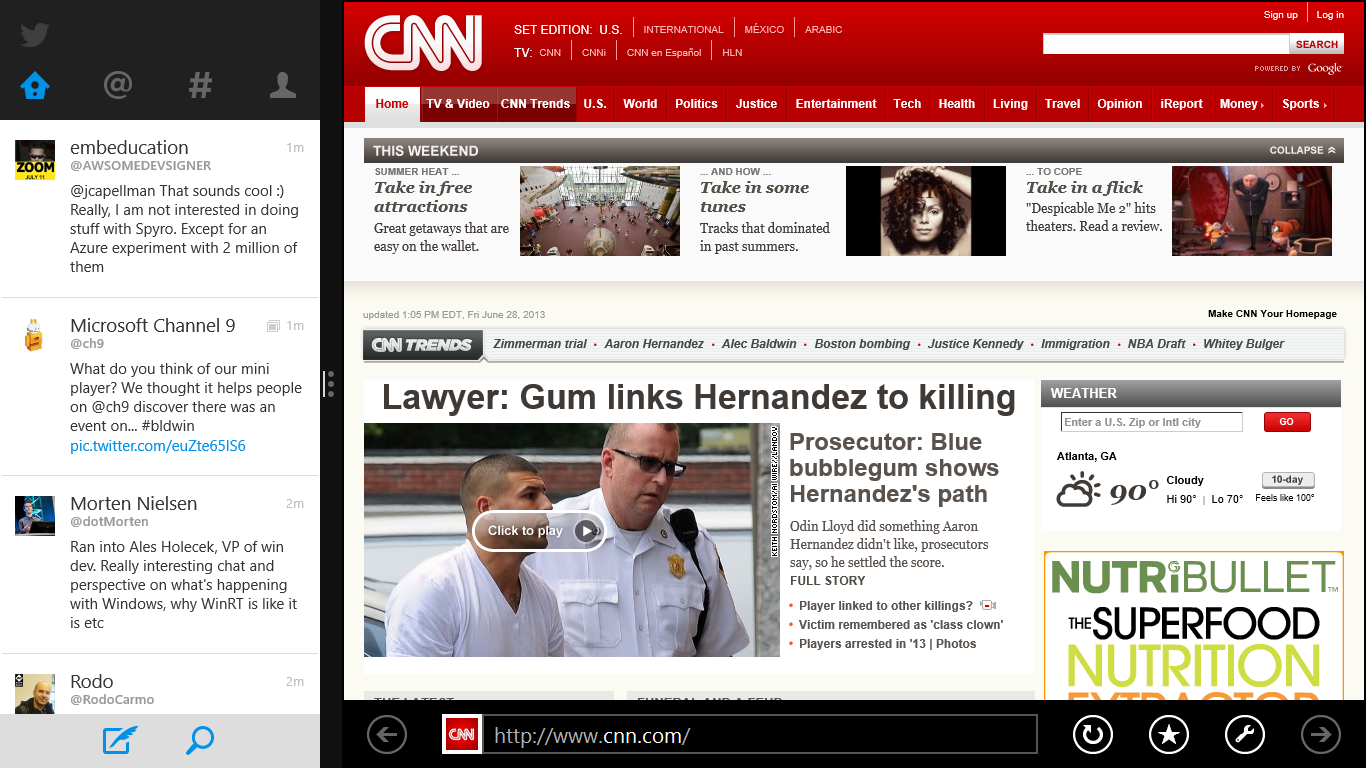
- Now for the somewhat ugly after-effects. Windows 8.1 Preview has shipped with a really bad virtualization bug that affects XAML apps which use ListView/GridView etc; scrolling is really choppy and the whole screen stutters. You can see this in any Windows 8 XAML app that has not been upgraded yet, for example the Twitter app. I was told that the engineers have already fixed this and it should become available in the next iteration.
- Here’s the other little awkward thing. Windows 8 apps used to support Snapped mode with 320px width; now suddenly the preferred width is 500px. So what happens in between? Yep, letter boxing. Until a Windows 8 app has been upgraded to 8.1, the gap between 320 & 500 px will simply be filled with black space. This almost looks as bad as iPhone apps running inside an iPad and I wish they would simply restrict Windows 8 snapped apps from stretching to 500 px. But it is what it is and hopefully major apps will all be upgraded to 8.1 before it hits GA.

 Modern Developer Ramblings